Images
How to Convert WEBP to PNG on Mac Offline
Plenty of sites serve images as WEBP because the files are small, but the format still trips up older editors, upload forms, and document workflows. Converting to PNG gives you a file that opens just about everywhere.
Converleon converts WEBP to PNG locally on your Mac. One image or a whole downloaded folder — nothing gets uploaded.
Batch-convert a folder of WEBP images
Exporting one image from Preview is fine once. Do it for a folder of fifty and it's a chore. Batch conversion turns the whole folder into the same two-step job.
What you need
- A Mac on macOS 13.5 or later
- Converleon from the Mac App Store
- The WEBP images you want to convert
Step by step
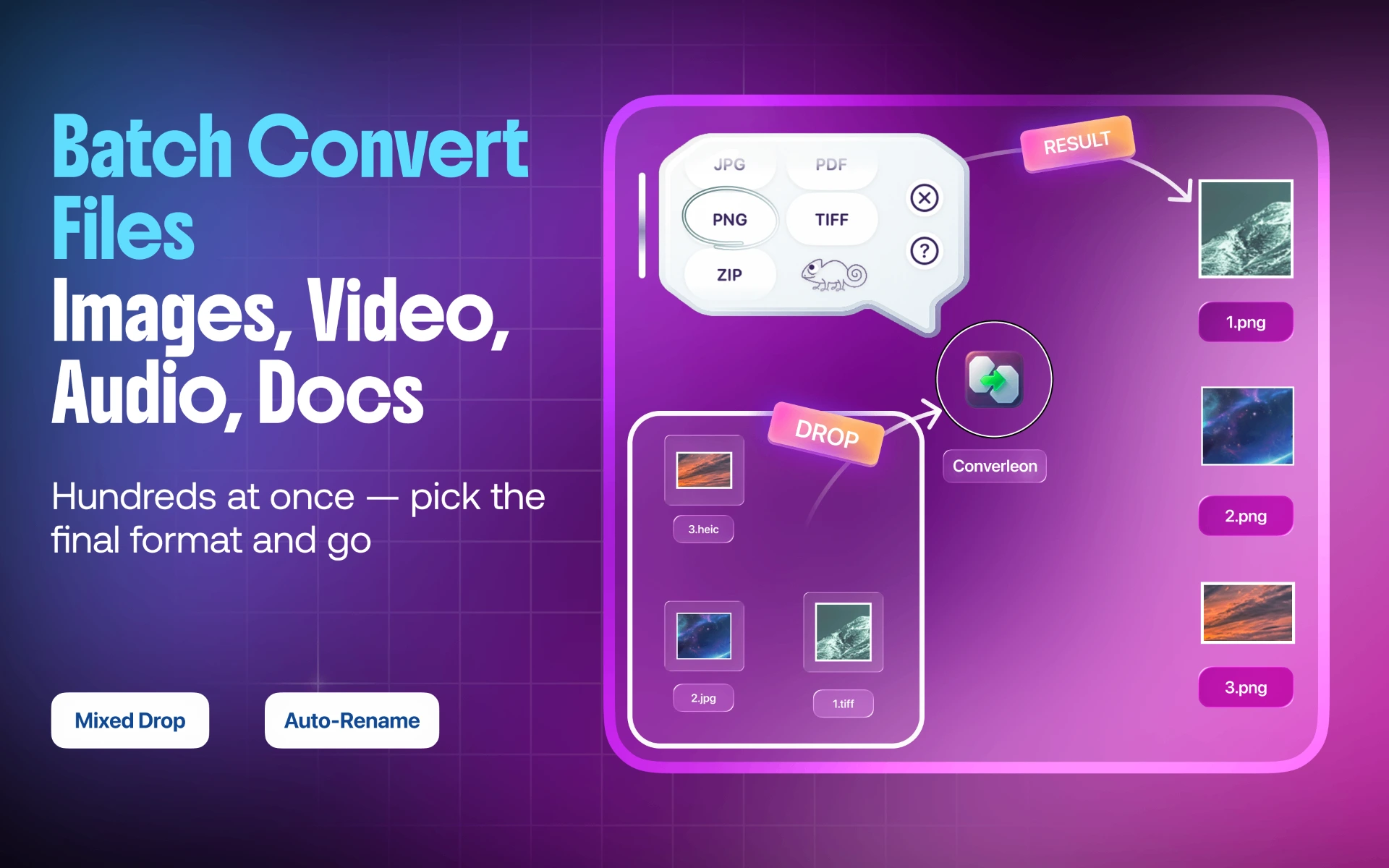
1. Select the WEBP files. Multi-select as many as you need in Finder.
2. Drop them onto Converleon. The format picker appears once the files are recognized.
3. Choose PNG. New PNG files are written beside the originals.
PNG or JPG?
Go with PNG for sharp graphics, transparency, or images you'll keep editing. Go with JPG when a smaller file matters more and the image is a photo without transparency.
WEBP to PNG FAQ
Can Converleon read animated WEBP files? It reads them as an image input, but a PNG saves a single frame — the animation isn't preserved. PNG is a still format, so an animated WEBP comes out as one static image.
Can I mix WEBP and HEIC in one batch? Yes. Compatible image files drop together — the HEIC to PNG guide covers the matching iPhone-photo flow.
What else can WEBP become? Beyond PNG, Converleon handles WEBP alongside other newly added formats; the WEBP, HEIF & HTML overview lists the full set of inputs and outputs.
Are my images uploaded? No. Conversion runs locally on your Mac.
Wrapping up
WEBP earns its place on the web, but PNG is the one that behaves across editors and forms. Batch conversion clears the repetitive exporting while every image stays on your drive. If you also want to shrink the PNGs afterward, image compression presets handle that in a click.
Download Converleon for Mac — convert WEBP images to PNG offline.