Images
How to Make an Image Background Transparent on Mac
A transparent background is what lets a logo sit on any color, a product float on a clean page, or a headshot drop onto a new backdrop without a white box around it. The catch is the file format: transparency only survives in formats with an alpha channel, which in practice means PNG.
Converleon makes an image background transparent on your Mac and saves the result as a PNG, with the alpha channel intact. It runs locally — the image never leaves the device.
Transparent means PNG
If you take a photo and "remove the background" but save it as JPG, the transparency vanishes and the background comes back, usually white. JPG simply can't hold transparency. That's why this workflow ends in a PNG every time.
What you need
- A Mac on macOS 14 or later (background removal needs Sonoma)
- Converleon from the Mac App Store
- The image you want to cut out
Step by step
1. Drop your image onto Converleon. One photo or a batch.
2. Choose Remove BG. Converleon finds the main subject and lifts it off the background.
3. Done. The transparent PNG saves beside the original, ready to drop onto any background.
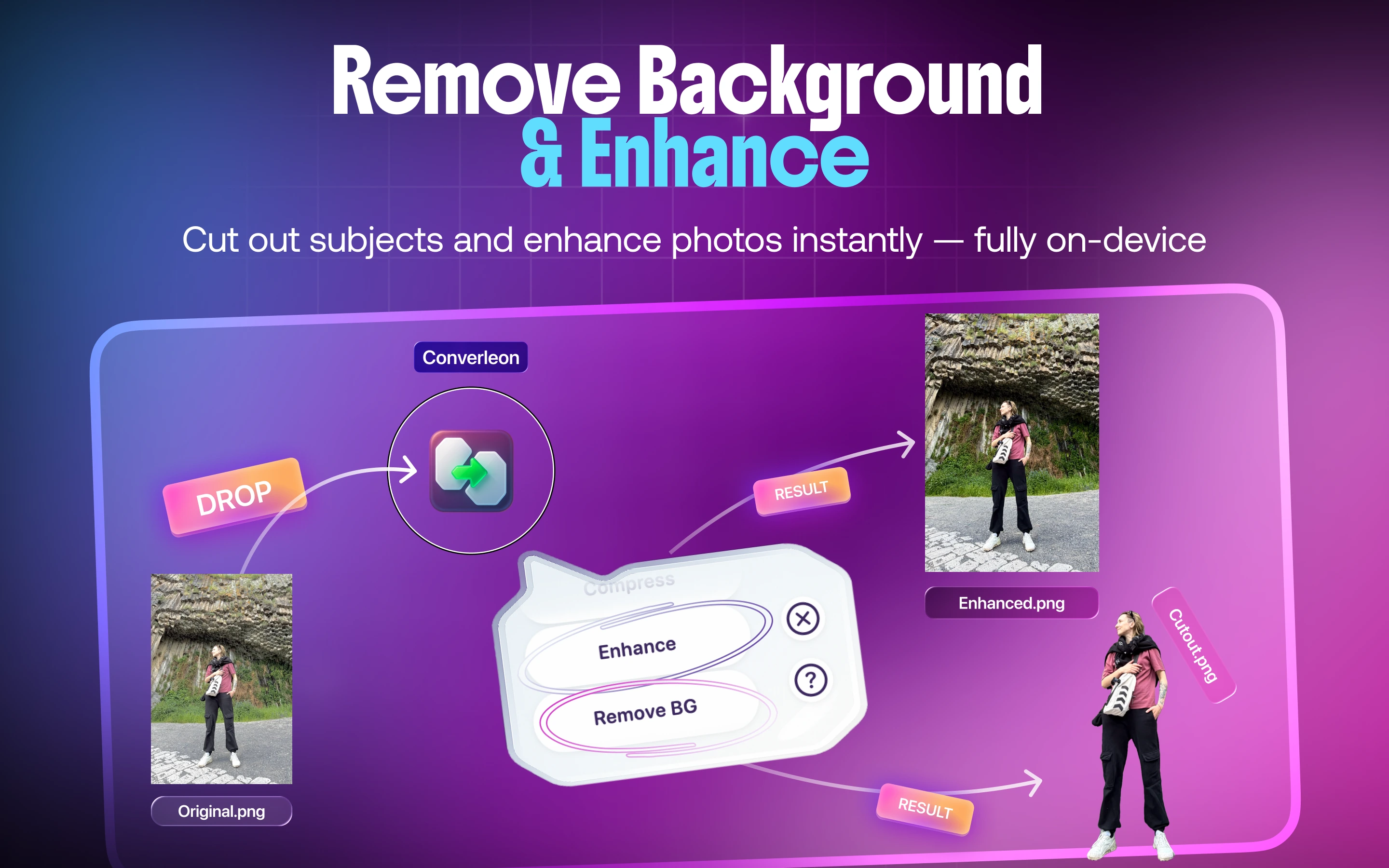
This is the same Remove BG action covered in the transparent-PNG removal guide — here the focus is the transparency itself and the format that preserves it.
If there's no clear subject
Background removal needs an obvious foreground subject to work from. When an image doesn't have one, Converleon shows a prompt instead of producing an empty file, so you don't end up with a blank PNG.
Transparent background FAQ
What format keeps the transparency? PNG. It has an alpha channel; JPG doesn't, which is why a JPG export loses the transparent areas.
Which macOS version do I need? macOS 14 (Sonoma) or later for the Remove BG action.
Can I do several images at once? Yes. Drop a batch and they're processed together.
Are my images uploaded? No. Background removal runs locally on your Mac.
Wrapping up
A transparent background comes down to two things: lifting the subject out, and saving to PNG so the transparency survives. Both happen locally in a click. For more on the cutout itself and where it fits with the other image tools, see the Remove BG guide.
Download Converleon for Mac — make backgrounds transparent offline.