Privacy & Offline
Why You Should Stop Using Online File Converters
Most of us have done it: typed "convert Word to PDF free," clicked the first result, and uploaded a document without a second thought. It's harmless enough for a flyer. It's a different story when the file is a signed contract, a financial statement, or a folder of personal photos — because now a server you've never heard of has a copy.
For Mac users there's a cleaner default. A native, offline app like Converleon does the same conversions without anything leaving your machine. The convenience is identical; the exposure isn't.
Local processing vs. the cloud
A secure conversion workflow keeps the file on your device instead of shipping it to a third party. That's the whole difference, and it matters more than it sounds.
What you're actually risking with web tools
- Retention you can't see. You have no way to know how long a remote server keeps your upload, or who can reach it.
- Quiet tracking. Plenty of "free" tools earn their keep by logging behavior and conversion activity.
- Your own work, on someone else's box. Creative files, drafts, and private recordings sitting on third-party infrastructure is risk you didn't need to take.
How Converleon handles it
The policy is the default, not a setting you switch on:
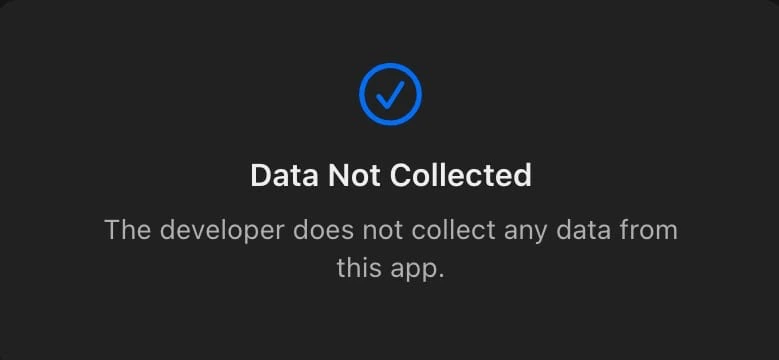
- No accounts, no uploads, no tracking. Converted files stay on your Mac and never pass through a cloud server.
- Built for Apple Silicon. The native app runs on both Intel and M-series chips, so local conversion is fast rather than a compromise.
- Notarized and sandboxed by Apple. It only touches the files you hand it and the folders you approve for saving.
It works exactly like the web tools — minus the upload
- Select your files in Finder and drag them onto the Converleon icon.
- In the bubble, click the format you want (PDF, ZIP, JPG, and so on).
- The file saves to your drive instantly.
Same three steps you're used to. The file just never goes anywhere.
FAQ
Is it genuinely offline? Yes. Turn off Wi-Fi and it still works — no internet connection required at any point.
Can it open password-protected archives? Yes. Converleon unpacks password-protected ZIP and RAR files locally, so the password never travels over a network. More on that in opening RAR and 7Z files on Mac.
Does offline mean slower? The opposite, usually. There's no upload or download leg — the work happens on your own chip.
Wrapping up
Privacy here doesn't ask for extra effort. A native macOS utility does the job in two clicks and the files stay on your drive, which is where contracts and photos belong. Whether you're merging a PDF, converting iPhone photos, or extracting audio from a video, the same offline rule applies throughout. For the full picture of what to look for, see the best offline file converter for Mac.
Secure your workflow with Converleon — private, local file processing.