Images
How to Convert PNG to JPG on Mac (Batch & Offline)
PNG is great for graphics and screenshots, but it's a heavy format for photos — and a PNG with transparency can render with an unexpected background when something only handles JPG. Converting to JPG shrinks the file and gives you a flat image that uploads cleanly everywhere.
Converleon converts PNG to JPG on your Mac, in batches, with nothing uploaded.
When JPG is the better format
Reach for JPG when the file size matters, the image is photographic, or a form or app only accepts JPG. Keep PNG when you need transparency, crisp text and lines, or repeated lossless editing. Going the other way — flat photo to a format that holds transparency — is a HEIC or image to PNG job instead.
What you need
- A Mac on macOS 13.5 or later
- Converleon from the Mac App Store
- The PNG images you want to convert
Step by step
1. Select the PNG files in Finder. Multi-select a whole folder if you need to.
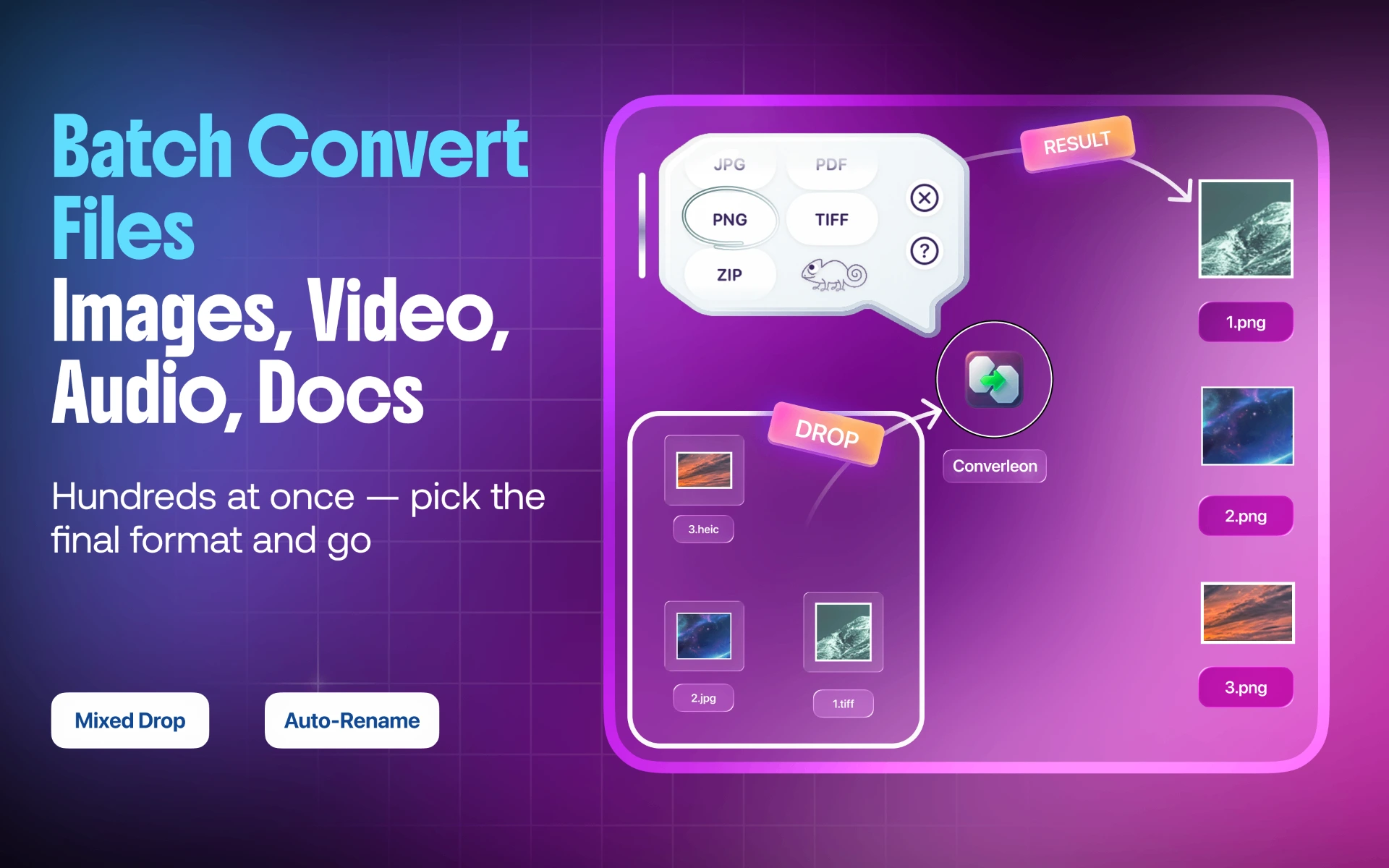
2. Drop them onto Converleon. The format picker appears.
3. Choose JPG. New JPG files are written beside the originals.
A note on transparency
JPG can't store transparency, so any transparent areas in a PNG fill in when you convert — usually with white. That's expected, and fine for most photos and uploads. If you need to keep the transparency, stay with PNG; if you're trying to *create* a transparent cutout, that's Remove BG, not a JPG conversion.
PNG to JPG FAQ
Why convert PNG to JPG at all? Mainly to cut file size for photos and to produce a flat image that uploads without transparency surprises.
What happens to transparent areas? They fill in, typically with white, because JPG has no alpha channel.
Can I convert a whole folder at once? Yes. Batch conversion handles a folder in the same two steps as one file.
Will the photo lose quality? At normal JPG quality the change isn't visible in photographs, and the file is much smaller.
Wrapping up
JPG is the lighter, more universally accepted format for photos, and converting locally keeps the batch fast and private. If you need transparency back, Remove BG and PNG output are the tools for that — and if the goal is simply a smaller file, image compression is another route.
Download Converleon for Mac — convert PNG to JPG offline.