Audio & Video
How to Convert MOV to MP4 on Mac Offline
MOV is fine inside Apple's world, but it travels badly. A website rejects it, a Windows colleague can't play it, or a chat app turns it into a needlessly heavy upload. When compatibility is the priority, MP4 is the safer bet.
Converleon converts MOV to MP4 right on your Mac. No upload step, no browser tab left open, no codec settings to puzzle over before you start.
One MOV or a whole folder
The job is identical whether you've got a single clip or a folder of them. Drop the videos together, choose MP4, and Converleon runs the compatible files in one pass.
What you need
- A Mac on macOS 13.5 or later
- Converleon from the Mac App Store
- One or more MOV files
Step by step
1. Select the MOV files in Finder. One clip or many — your call.
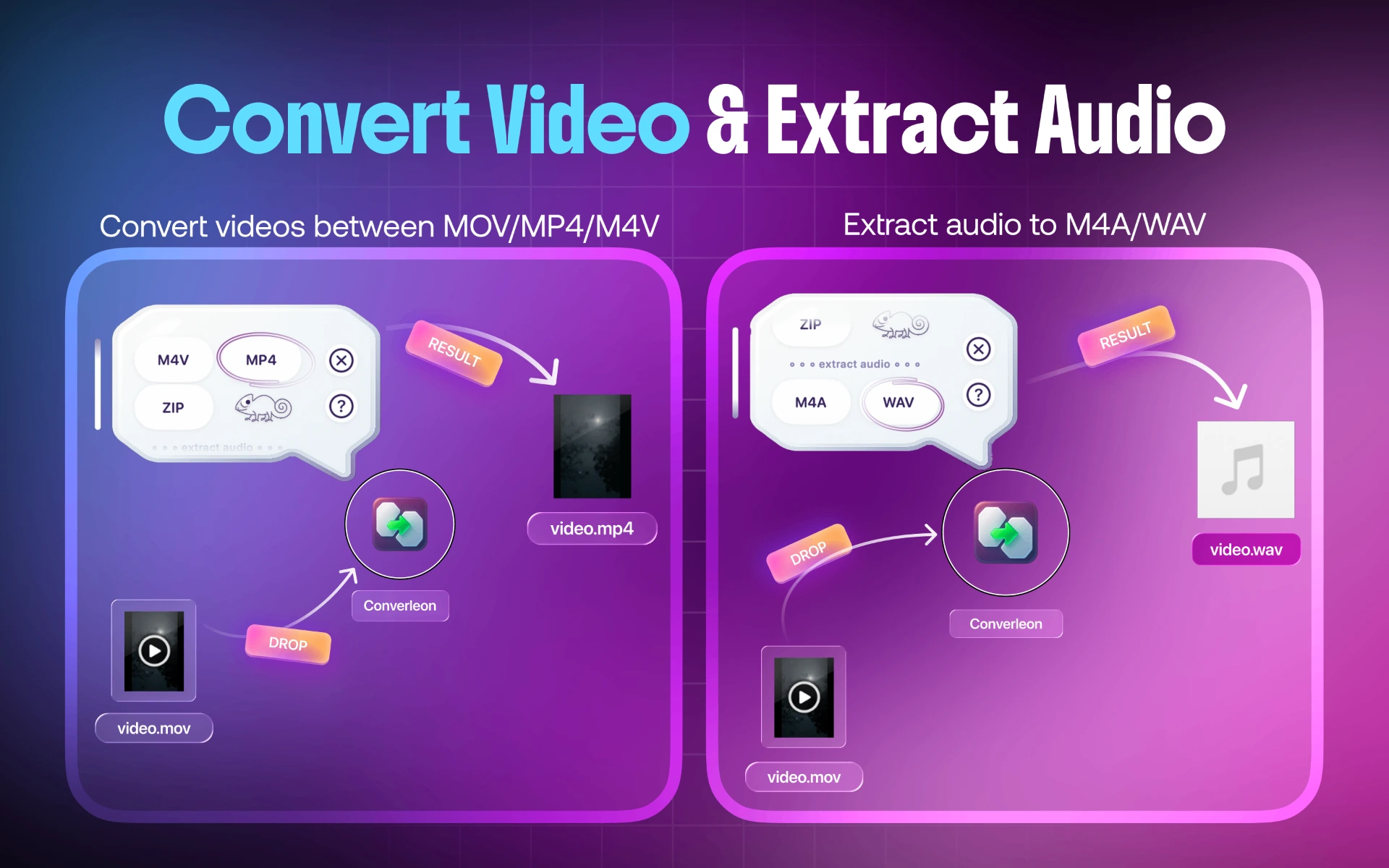
2. Drop them onto Converleon. The app recognizes the videos and shows the output formats.
3. Choose MP4. Conversion runs locally and the new MP4 files land beside the originals.
Why do it locally
Big videos are slow to upload and slow to pull back down. Converting on your own machine cuts both waits and keeps private recordings off a stranger's server — which matters most for client footage, family videos, and internal presentations. There's more on that in why offline converters beat web tools.
MOV to MP4 FAQ
Does converting delete the original MOV? No. Converleon writes a new MP4 and leaves the source untouched.
Can I convert several MOV files together? Yes. Batch conversion is part of the same workflow.
The MP4 is still too big — what now? Compress it. A preset-based video compression pass brings the size down without a settings panel.
Can I pull out just the audio instead? Yes. If you only want the soundtrack, follow extract audio from video on Mac.
Wrapping up
MP4 shares more easily across devices and the web, and converting locally keeps it quick while your footage stays on your drive. If the result needs to be smaller too, compressing the video is the natural next step.
Download Converleon for Mac — convert MOV files to MP4 offline.