Media Compression
How to Compress Video on Mac Without Uploading
A video can look perfectly fine and still be too big for email, a form, or a team chat. Online compressors pile on a second problem: the biggest files take the longest to upload, and your footage has to leave the Mac before compression even starts.
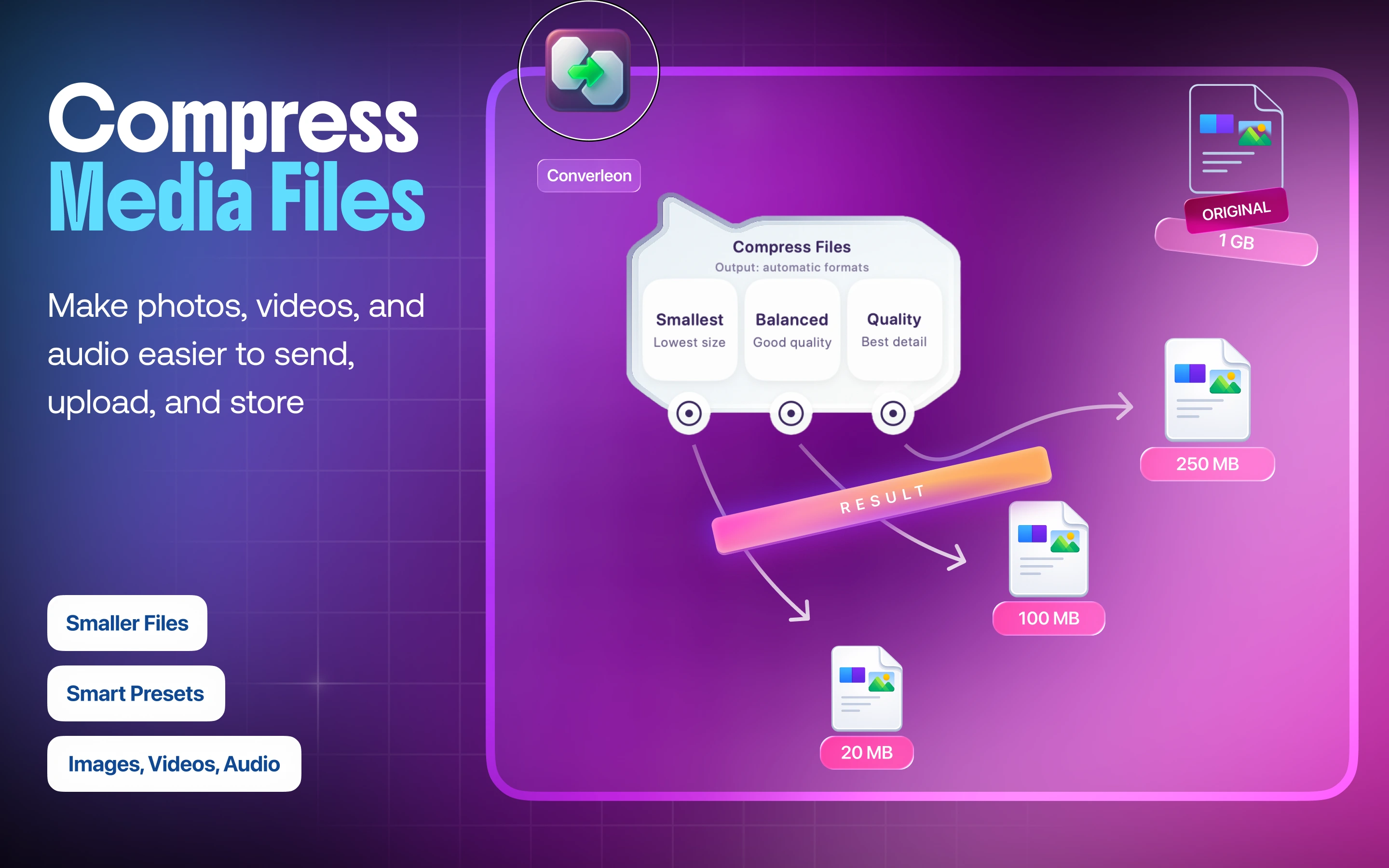
Converleon compresses video locally with three plain presets — Smallest, Balanced, Quality. You pick the trade-off; the app produces an optimized MP4.
A preset, not a codec menu
No bitrate to guess at, no encoder settings to decode. Smallest for strict upload limits, Balanced for everyday sharing, Quality when detail comes first.
What you need
- A Mac on macOS 13.5 or later
- Converleon from the Mac App Store
- MOV, MP4, or M4V video files
Step by step
1. Drop the video files. Batch-select several clips if they need the same treatment.
2. Choose Compress. Pick Smallest, Balanced, or Quality.
3. Use the optimized MP4. The compressed file saves locally and the original stays put.
Why local compression is quicker
An online tool means an upload, processing on a remote server, then a download. Doing it locally drops the transfer legs entirely and keeps client footage, presentations, and personal recordings on your device — the same offline-first reasoning behind the rest of Converleon.
Video compression FAQ
Which preset should I pick? Start with Balanced. Switch to Smallest when you have to hit a size limit, Quality when keeping detail is the point.
Does compressing replace the original? No. Converleon writes a new optimized file and leaves the source alone.
Can I just change MOV to MP4 without a compression preset? Yes. That's a straight MOV to MP4 conversion.
Can I compress photos and audio the same way? Yes. The same presets apply across media — the full compression guide covers images and audio too.
Wrapping up
A big video doesn't need to be uploaded before it can be made easier to share. Pick a preset, let the Mac do the work, and keep the original safely on your drive.
Download Converleon for Mac — compress video locally on Mac.